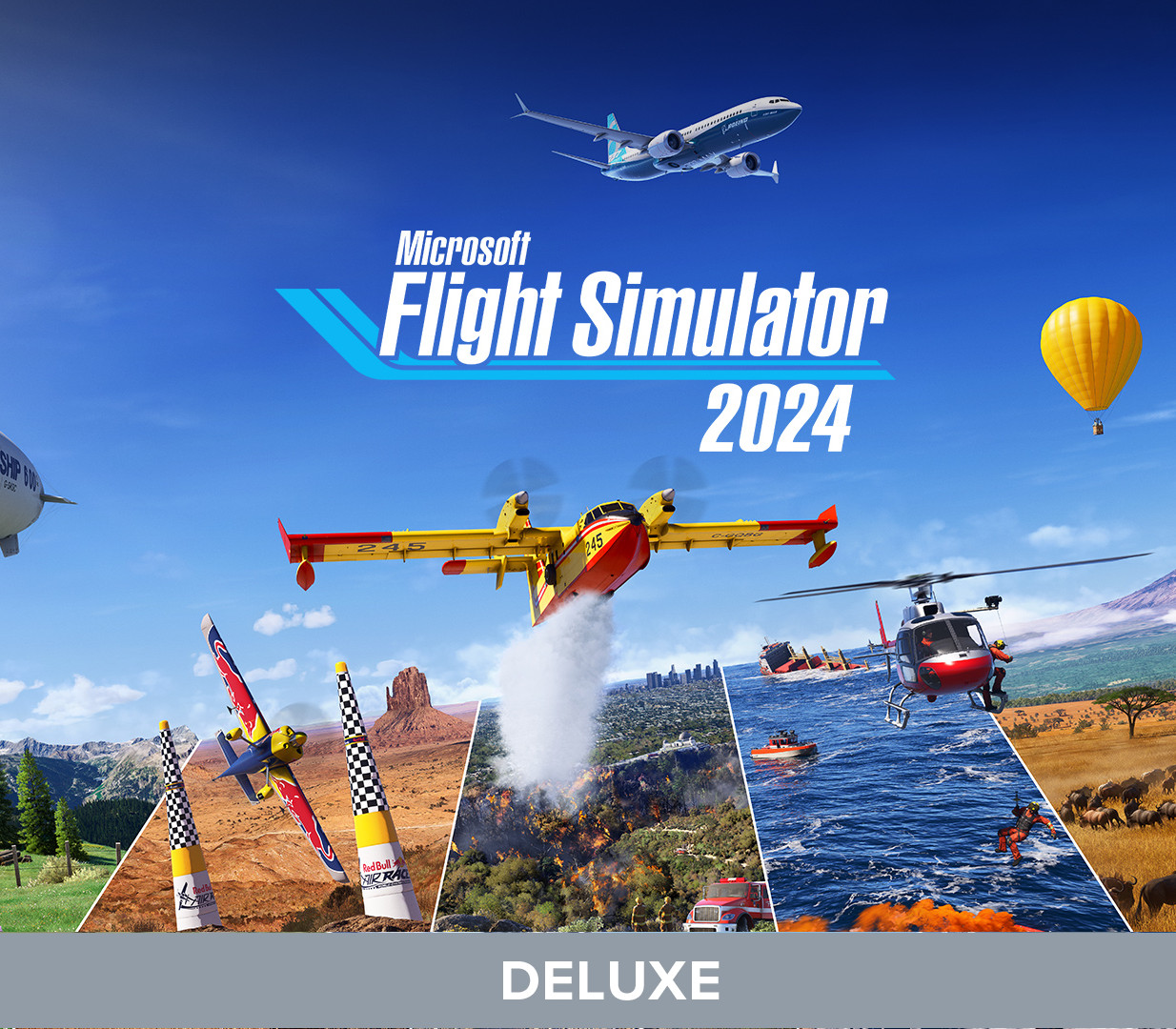
Microsoft Flight Simulator 2024 Deluxe Edition PC Steam Account
Systemanforderungen
So aktivierst du
- 1Nach dem Kauf erhältst du E-Mail und Passwort des Kontos in deiner Bibliothek.
- 2Öffne den Steam-Client und melde dich mit der bereitgestellten E-Mail und dem Passwort an.
- 3Gehe zu Steam → Kontodetails und ändere Passwort und Kontakt-E-Mail auf deine eigenen.
- 4Aktiviere Steam Guard und lade dann deine Spiele aus der Bibliothek herunter - das Konto ist deins.
Bewertungen
It had a rough start but throughout the updates it became extremely well rounded and super high quality. Great with VR and graphics.
At first i thought this game wont gonna run smooth on my laptop but i have played almost a ouple of months including long haul flight straightfrom WMKK to VOTR and so on no problem at all btw my laptop spec is GTX 1660Ti 6gb
I love MSFS 2024 I'm a liscenced pilot and I can say that its very realistic and I use it to train for real world senarios!
This game is a load of fun but I strongly recommend buying a flight joystick controller or what ever you want to call it if you are playing on keyboard and mouse because it is super difficult and the controles are choppy.
Its very addictive for people who likes planes,pilots,and futere pilots 10/10 with the graphics
i like this game because i like planes. There are bugs, but i see them rarely. This sim is not cheap, but for people like me this sim is the best sim. By people like me, i mean people that like piloting planes but not so deep that they want it to be fully like real life. Graphics and world are the best in the simulator games. and most of the features are like in real life.


